How to translate a book
Translate a whole EPUB, FB2 or PDF book with AI in four steps and read it next to the original. All you need is an Android phone and the book file.
GET IT ONGoogle PlayInstall LingoReader and add the book
Install LingoReader from Google Play. Tap + at the top of the library and pick an EPUB, FB2, PDF, TXT, MOBI or AZW3 file on your phone. The file stays where it is: the app keeps a copy. The book must be DRM-free.
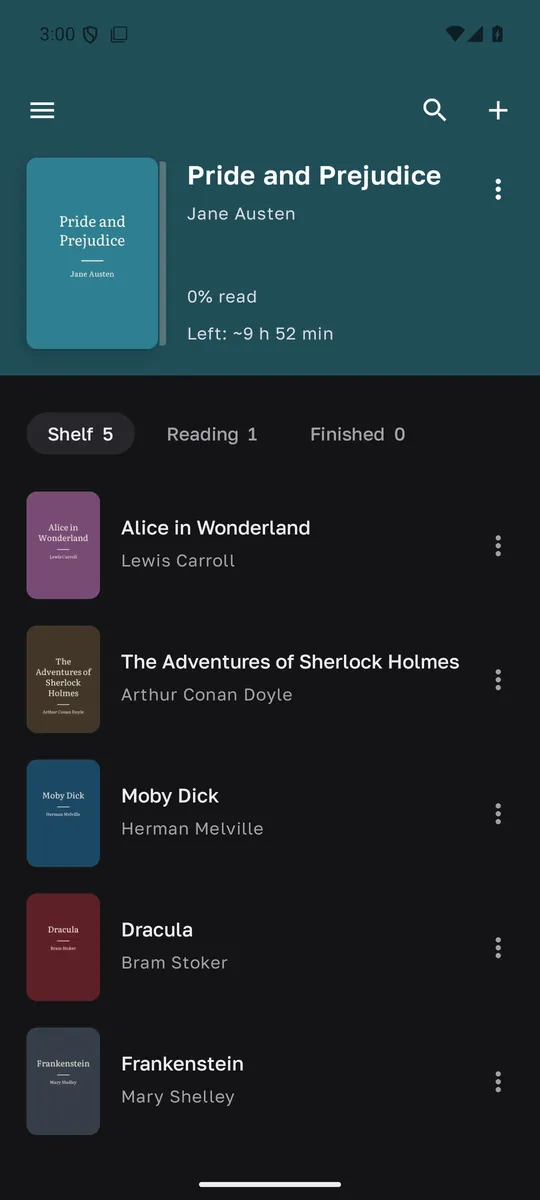
Pick the language and start the translation
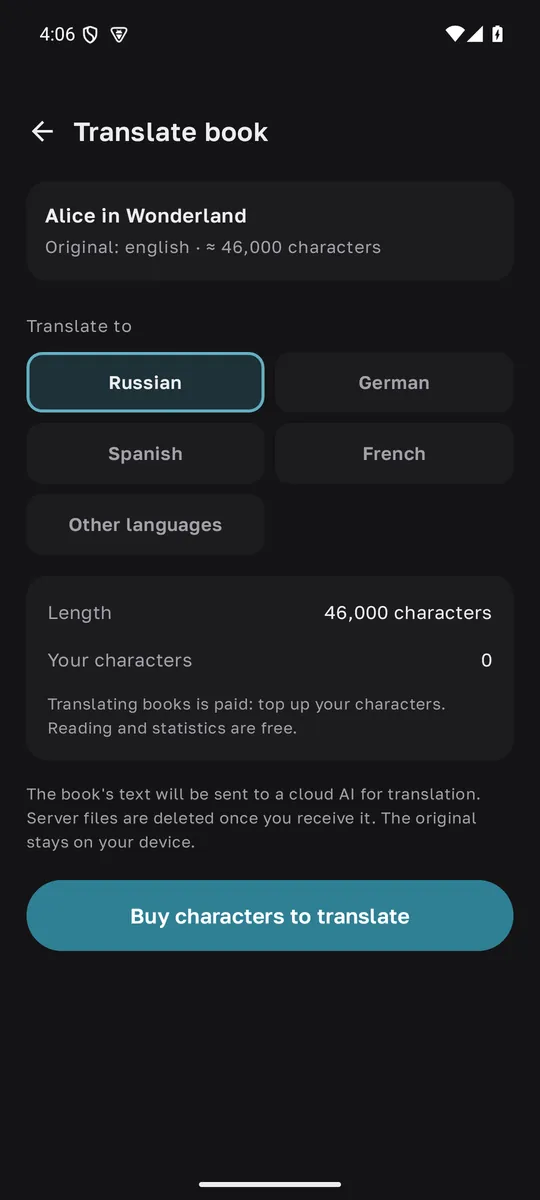
Tap ⋮ next to the book and choose “Translate”. Pick one of more than 40 languages, and the app shows how many characters the book has and how many you have. If your balance is short, sign in with Google, buy a character pack and start the translation. It takes from a few minutes to a few hours, depending on the length of the book.
Read the translation
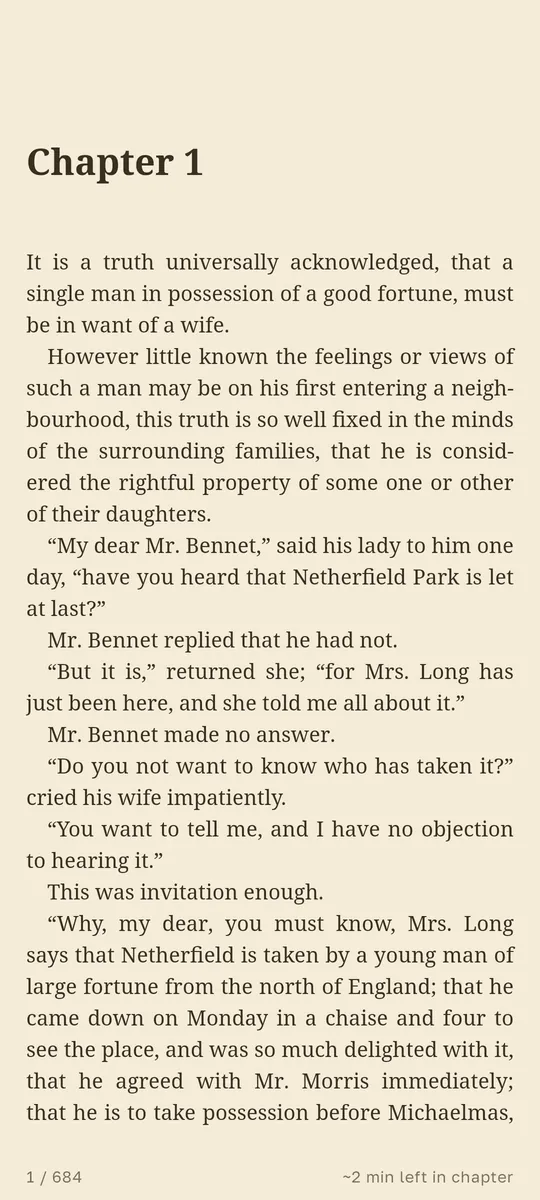
When the translation is ready, tap “Read translation”. In the reader you switch between the original and the translation with one tap, so you can check a hard passage in the original language. The translation is saved on your phone and opens offline.
Export to EPUB or sync
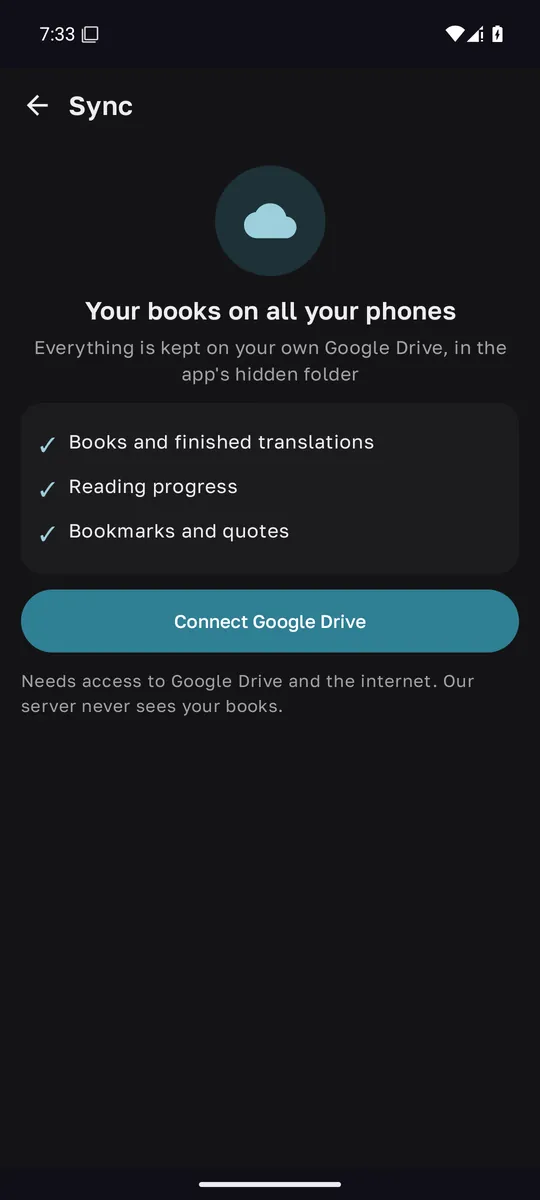
“Export EPUB” saves the translation as a regular EPUB file for any other reader. With sync turned on, books and translations are kept on your own Google Drive, so you won’t have to translate them again on a new phone.
Translating a PDF and scans
A PDF with a text layer is translated like any other book, but only the text carries over: the page layout, columns and images are not kept. If you have the same book as an EPUB or FB2, use that file instead: chapters and formatting come through more faithfully.
A scan holds only images of pages and no text, and the app will tell you so. Recognize the text first with any OCR program, save the result as an EPUB or a PDF with text, and add that file.
Why translate the whole book, not paragraph by paragraph
An ordinary translator sees only one piece of text at a time. Names come out differently in different chapters, terms drift, and copying text back and forth takes hours and breaks the formatting.
LingoReader translates the book as one piece: chapters, dialogue and structure stay in place, names and terms stay consistent, and the result is a real book you can read offline, export to EPUB and keep next to the original.
Translate a book right in your browser
Not at your phone? Upload an EPUB, FB2, TXT or PDF right in your browser, with the same account and balance as in the app.
Translate a book online